












Your iPhone Questions Answered (Finally)
Core Conclusion
The only things guaranteed truly official are those bought directly from Apple Store, carriers you trust, or authorized resellers — everywhere else? It gets shady fast.
Let's Talk About What Actually Matters
Okay so here's the thing. You pick up an iPhone and suddenly everything is confusing. Battery health numbers look off. The box has stickers all over it. And that charger? It might or might not work properly forever.
Honestly? I've been there. Bought something second-hand thinking it was fine, then discovered half the features were broken. Not cool.
Warranty Status — Don't Skip This Step
Check your serial number on Apple's website before buying. Seriously. Take five minutes. If it says "not covered," walk away. Warranty verification tells you if the phone's legit and hasn't been tampered with.
Battery Health Numbers Lie Sometimes
That percentage showing 100% battery health? Might actually read differently after updates. Or maybe the whole battery was swapped with a used one. It happens more than we think.
If you're unsure, bring it to an Apple Store for diagnostics. They'll tell you straight up without the sales pitch pressure.
Accessories Are Where Most People Get Burned
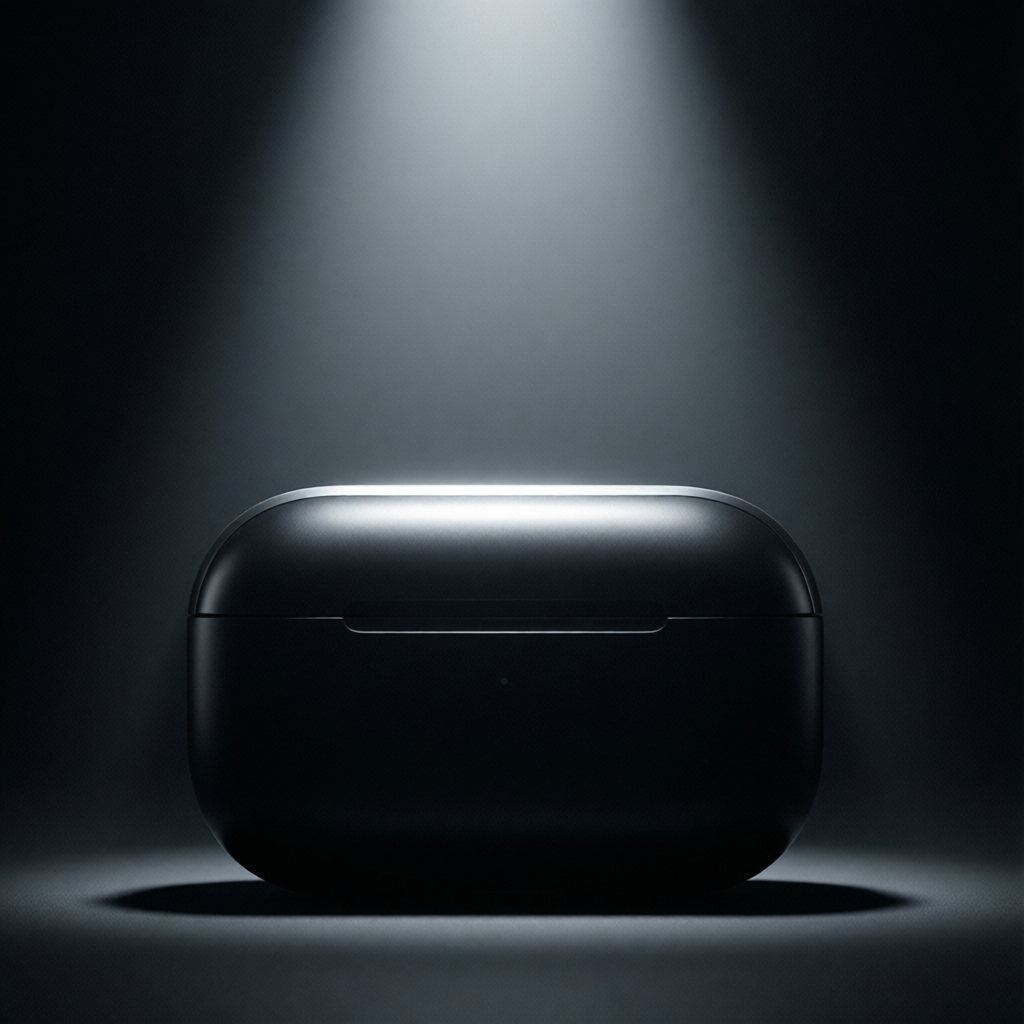
Lightning cables, adapters, AirPods cases — these get copied super easily. That cute pink charging cable for $15? Definitely fake. Real Apple stuff costs more because it actually works longer.
-
Buy from Apple directly when possible
-
Big electronics stores are usually safer
-
Avoid sketchy marketplaces online
iCloud Activation Lock — Your Safety Net
When someone sells you their old iPhone, they should sign out of iCloud first. If that activation lock screen shows up when you set it up, you just got screwed over big time. No working phone for you.
Ask the seller to show you removing their account right there before paying anything.
Carrier Unlocks Matter More Than You Think
Locked phones = locked into specific carriers. Super inconvenient if you travel or switch plans. Ask the seller if the device is carrier-unlocked before committing.
Bottom line — stay careful with purchases. A few questions upfront save huge headaches later. Your future self will thank you.
Is It Safe?
Honestly, buying from third-party stores can feel like walking a tightrope. You get better deals sometimes, but that comes with some serious questions hanging around.
What Are We Actually Buying?
Look, I've been guilty of it myself. That amazing price tag on a brand-new phone accessory just screams "deal!" But here's what you need to think about—warranties disappear pretty quickly. Some items arrive fine. Others? Not so much.
Most legitimate third-party stores will offer customer support. It's not always great, but you know where you stand. With unknown sellers though? Sometimes you're dealing with people who vanish after checkout.
Price vs. Protection
This is where it gets tricky. A 50% discount sounds incredible until your device arrives with cracks or missing pieces. Shipping damage happens more often than most people admit.
Sometimes paying full price gives you peace of mind. Return policies exist at official retailers because they expect occasional issues. Third parties don't always have those built-in protections.
How Do You Decide?
Check reviews! Real reviews, not just five-star explosions from accounts created last week. Look for patterns in complaints. Warranty terms matter too. Read the fine print before clicking buy—that advice might sound annoying but trust me on this one.
Bottom Line Thoughts
Not every third-party purchase is a disaster. Some stores are legit and genuinely help save money. But you need to do homework first. Your patience could literally save you hundreds of dollars.
It depends on what you're buying, really. Phones, accessories, repairs—it changes the equation completely. Just don't assume the cheapest option equals the best value.
The verdict: Proceed cautiously. Research sellers thoroughly before spending money on anything important.
[Core Conclusion]
Checking your iPhone's serial number online is simpler than you think—and here's exactly how you can do it in five minutes or less.
Why Bother Checking It?
Honestly, most people don’t realize how handy a serial number can be. Whether you’re selling your phone, proving warranty status, or just curious, it’s like the device’s fingerprint. And yeah, you’ve probably seen it somewhere on your settings—but where exactly?
Quick tip: Open Settings > General > About. Scroll down, and there it is—the model name, storage size, and that mysterious string of letters and numbers. Copy it if you need to.
Where to Go Next
Apple’s official website is your safest bet. Their support page lets you enter the serial number and check warranty details, purchase date—even if it’s been activated. No third-party tools needed. Just trust me, this works every time.
Pro move: Use Safari on your iPhone. Type appleid.apple.com, log in, and boom—you’ll see everything tied to your account, including active devices.
Troubleshooting Tips
If the site flags something odd, double-check the number. Typos happen! Sometimes the status takes a minute to update too—don’t panic if it’s “pending.”
Still stuck? Call Apple Support. They’re surprisingly patient, and I once got a response in 3 minutes during a holiday sale chaos. Weirdly convenient!
Final Thoughts
It’s not rocket science, but these little details save headaches later. Next time you hear a weird rumor about your device, you’ll know exactly where to start.
The Truth About iPhone Reviews
Let's be real—finding an honest iPhone review these days feels like a hunt through a minefield. Every ad screams "Best Camera!" until you buy it and realize most apps don't even work well.
I've wasted cash on "game-changing" upgrades that turned out to be overpriced gimmicks. Here's what actually works:
Skip These "Expert" Reviews
- Sponsored videos (they won't mention flaws)
- Sites with affiliate links (they profit from clicks)
- Reviews posted during launch week (too much hype)
Instead, try searching for long-term reviews after 6+ months. People who complain about battery drains aren't paid to be nice.
Where I Actually Look
| Source Type | Pros | Watch Out For |
|---|---|---|
| YouTube Tech YouTubers | Real-world testing | Sponsorships |
| Reddit r/iPhone | Raw opinions | Echo chambers |
| Owner Forums | Hidden issues | Outdated advice |
Personal Tip: Ask Weird Questions
Before buying, search things like "iPhone 15 pro max overheating problems" or "iOS 17 bugs after update 17.3". Those long-tail queries often reveal issues marketers won't mention.
Also, ignore "unboxing" videos. Nobody cares how shiny the box is when you're trying to decide if the new processor is worth the upgrade.
Bottom line: If it sounds too perfect, run. Real people complain about scratches, slow charging, software glitches—that's where truth hides.
P.S. Still stuck? Drop your iPhone dilemma below. No corporate speak allowed—I promise to keep it straight-forward.